Dinotica Controls
Full controller support is real. The confusing part is the mount, the menus, and who places totems in co-op.
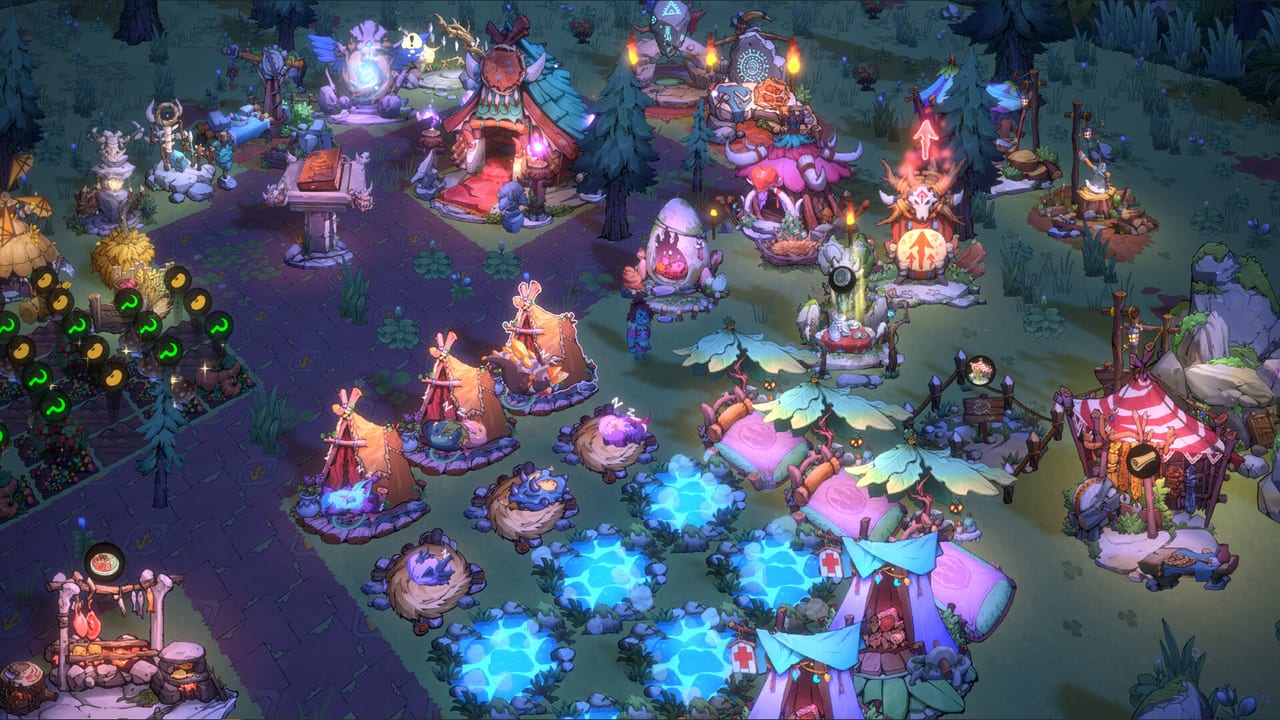
Dinotica lists full controller support, DualShock, DualSense, and Remote Play Together on Steam. This page is how to play without fighting the UI: movement, skills, menus, and the co-op gotchas that are not printed on the store page. If shots feel late, check sensitivity and movement speed upgrades before you rewrite the whole Totem Builds page.
Keyboard and mouse
The default PC layout is a twin-stick style shooter even when you use a mouse: move on WASD, aim toward the cursor, fire the rider’s basic attack on the primary button, and fire the mount special when the cooldown allows. Menus use the mouse. Hold the interact key to enter buildings, start hunts, and talk to settlement stations. Pause is the usual Esc path; there is no benefit to remaining in a particle storm if the frame rate has already died.
Rebind in Steam’s controller overlay or the in-game settings if WASD fights a non-QWERTY layout. This wiki will not invent a key that patches move. Open the live settings screen and screenshot it for your language pack.
Controller
Steam’s category flags mean a pad is a first-class citizen, not an afterthought. Left stick moves, right stick aims, face buttons cover confirm / special / interact, bumpers or triggers cover fire. Because you ride a dinosaur, camera and aim are tied to the mount’s facing more than a humanoid shooter. If aim feels floaty, lower stick sensitivity before you swap species.
Split-screen needs two pads or a pad plus keyboard. Each human must ride — see Co-op. One player selecting totems while the other places them is a reported couch quirk. If you are playing with a child or a first-timer, let the experienced player own the totem menu.
Settlement versus rift
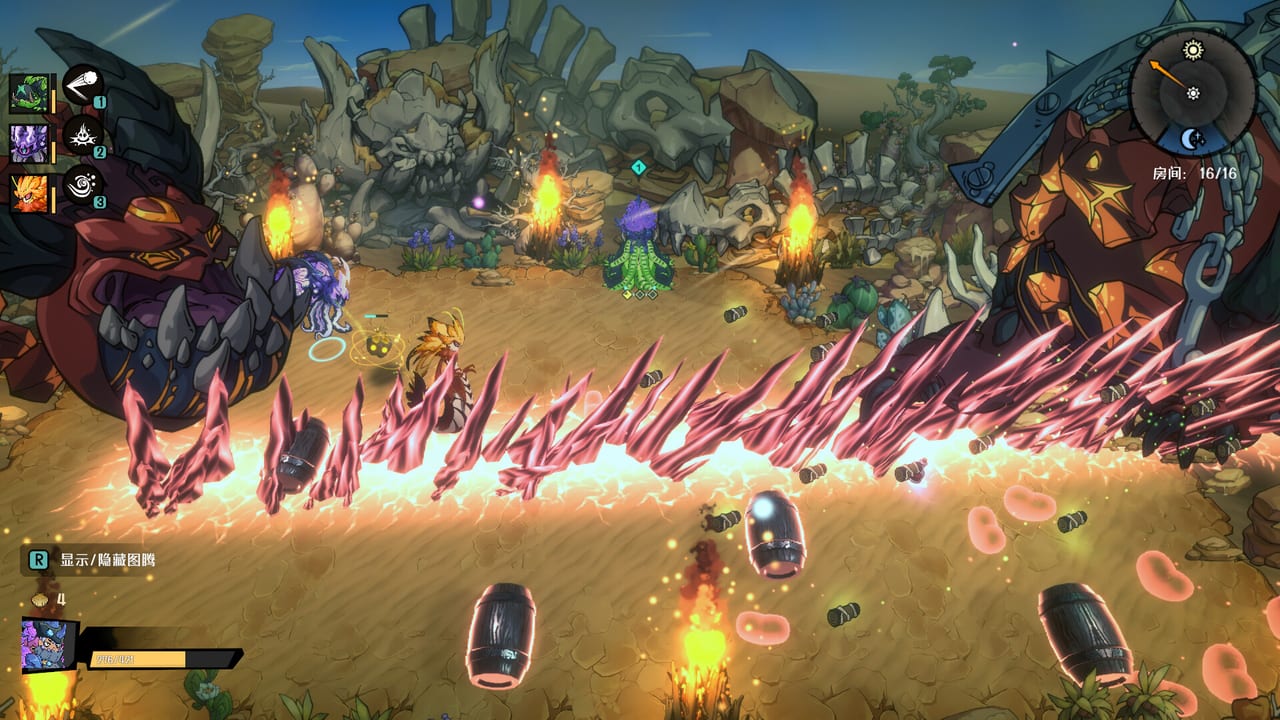
Controls change flavour, not grammar, when you leave the jungle. At home you walk the human, place buildings, assign jobs, and queue workbenches. In the rift you are the mount. Do not hunt for a “dismount to dodge” button that is not there; dodge by moving the rider and by picking relics that create space.
If AI partners feel stuck, that is often pathing, not a missing command. Reposition in a wider room or recall via the party UI if the build offers it. Workers at home have the same snag — Farm and Base covers rearranging buildings so jobs complete.
Accessibility and crashes
There is no documented colour-blind filter in the sources this wiki trusts. Rely on totem icons plus door symbols rather than a single projectile hue. If a totem stack paints the whole arena, unequip it; particle crashes are a known complaint, not a skill issue.
Steam Deck is listed Playable, not Verified. Expect extra menu clicks and verify that the rear buttons map to interact. System specs and Deck notes sit on System Requirements.
Practice plan
Run a Casual Emerald Forest room with only the basic shot until you can clear without holding the special. Then add one totem. Then add an AI partner. This is faster than jumping into Dark Forest and blaming the pad. Getting Started is the loop; this page is the hands.
When you can clear a boss without looking at the keyboard, you are ready to worry about breeding and leather again. Until then, movement speed is still the upgrade to buy.
Frequently Asked Questions
Quick answers drawn from the current 1.0 build.
Does Dinotica support a controller?
Yes. Steam lists full controller support plus DualShock and DualSense. Keyboard and mouse remain available on PC.
Can I play keyboard versus pad in split-screen?
Yes in principle, but each player still needs a ridden dino and a second battle slot.
Why is aiming sluggish?
Lower stick or mouse sensitivity and buy movement speed. Some mounts also have slower turn kits.
Is Steam Deck official?
It is Playable. Expect UI scaling quirks and confirm your layout in Steam’s overlay.